new
macOS
iOS
Android
Windows
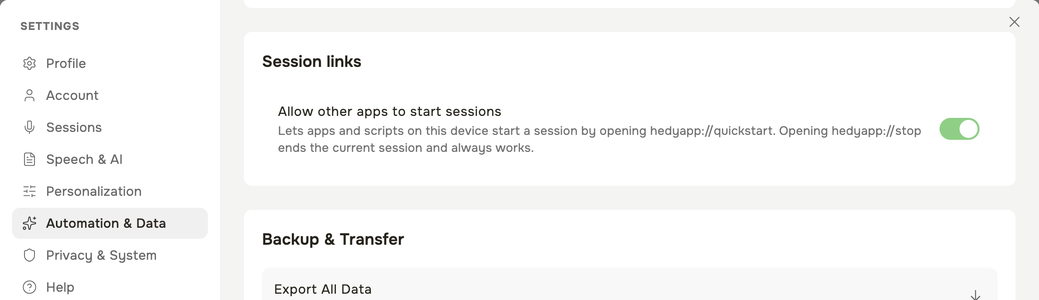
Start and Stop Sessions from Other Apps (v3.12.1)
Let your phone system, softphone, a Shortcut or a script start and stop Hedy for you.
- Turn on Settings → Automation & Data → Session links → Allow other apps to start sessions
- Opening hedyapp://quickstartstarts a session with the session type selected on your dashboard
- Opening hedyapp://stopends the current session, and works without the setting
- Example: have your softphone open hedyapp://quickstart when a call is answered and hedyapp://stop when it hangs up